
A practical guide to taking your in-person school online, for music schools, tutoring centers, language schools and martial arts studios.
You run a school. Maybe it’s piano lessons, SAT prep, Korean for kids, or a karate studio. At some point you’ve thought about teaching online, and then thought, “I wouldn’t even know where to start.”
Most guides on this topic are written for YouTubers selling a single course. Running an academy is different. You have several programs, more than one teacher, levels that build on each other, and families who expect structure. You don’t need to become a content creator. You need an online academy that offers what you already teach to students who can’t always be in the room.
We know this one personally. ClassSync started when a piano teacher we knew was about to stop teaching because COVID made her studio unworkable. We helped her try a big course platform. After two weeks we both gave up. Setup was too hard, and the platform sold one course at a time instead of a real curriculum. So we built the tool we wished she’d had.
Here’s what we’ve learned about doing this well.
Why take your academy online?
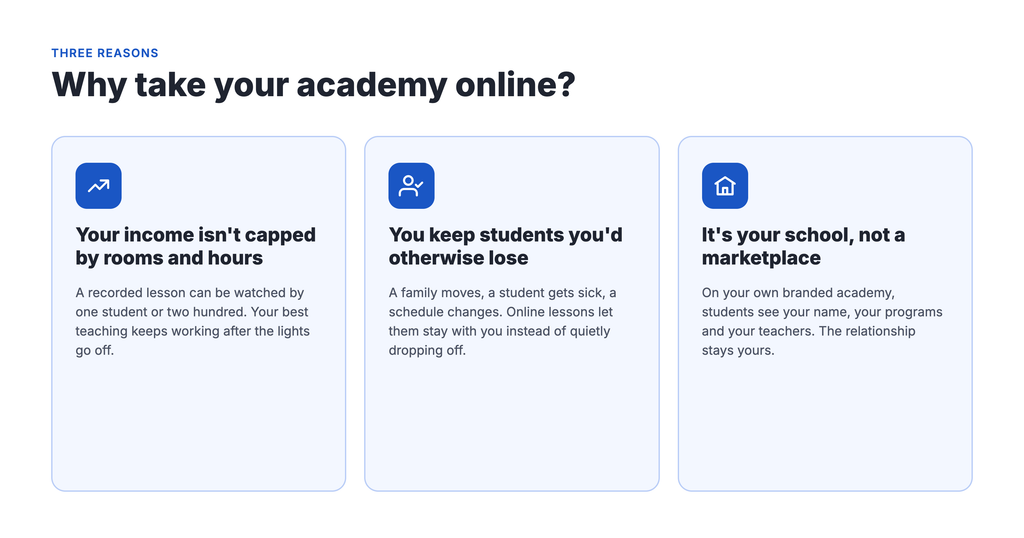
Your income stops being capped by rooms and hours. In person, you can only teach as many students as you have chairs, teachers and evenings. A recorded lesson can be watched by one student or two hundred. Your best teaching keeps working after the lights go off.
You keep students you’d otherwise lose. A family moves across town. A student gets sick and misses three weeks. A teen’s schedule changes in the fall. Online lessons give them a way to stay with you instead of quietly dropping off. Even a simple library of missed-class recordings makes a difference.
It’s your school, not a marketplace. When you sell through a big platform, students find you next to your competitors. With your own branded online academy, they see your name, your programs and your teachers. The relationship stays yours.
How to take your academy online in 10 steps
1. Survey your current students and parents
Your current students and parents are your best research. Send a short survey with a free tool like Google Forms. Keep it to 10 questions or fewer and focus on three things:
- Their problems: missed classes, scheduling, travel time, wanting more practice between lessons.
- What they’d pay for: would they pay extra for online access, or expect it included?
- How they’d use it: short practice videos, full recorded lessons, or live online classes?
Treat the answers as a guide, not a final vote. People can’t fully judge something they haven’t seen yet. Add a line at the end inviting them onto an early-access list. That list becomes your first launch group.
2. Research other online programs in your field
Search for online programs in your subject and area. Note what they include, how they price it, and what reviews complain about. You’re looking for gaps. Maybe nobody offers structured beginner-to-advanced levels. Maybe everyone sells loose videos with no clear path.
3. Map your curriculum before you record
This is where academies differ most from solo creators. You probably already teach in a structure: programs, then levels, then lessons. Piano might be Beginner, Intermediate, Advanced. Tutoring might be Math, then Algebra I, then individual units.
Write that structure down before you record anything. It tells you what to build first and helps students see a path, which keeps them enrolled longer.
4. Decide how online lessons fit with in-person classes
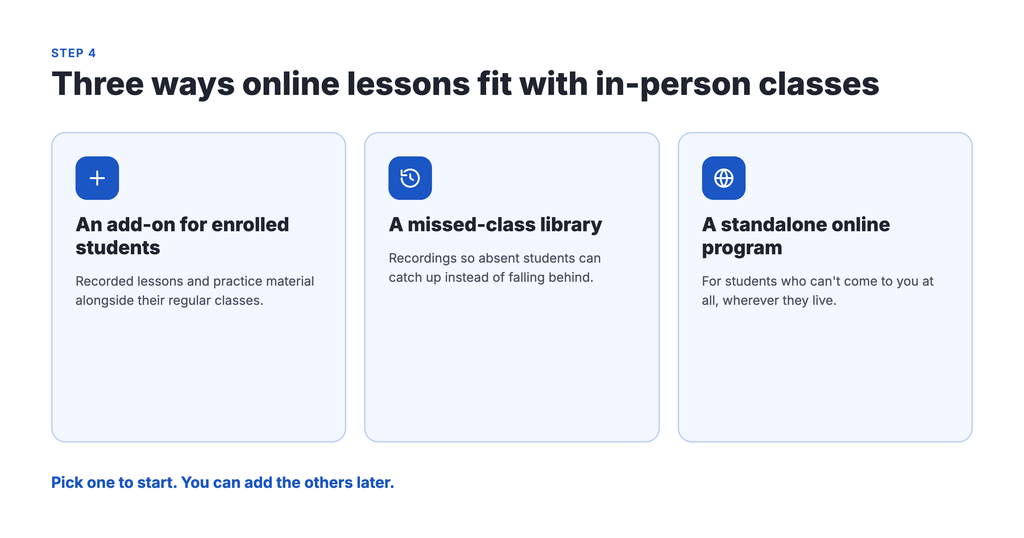
There’s no single right model. Common ones:
- An add-on for enrolled students: recorded lessons and practice material alongside their regular classes.
- A missed-class library: recordings so absent students can catch up.
- A standalone online program: for students who can’t come to you at all.
Pick one to start. You can add the others later.
5. Set simple pricing for online lessons
Start with one plan, or two at most: a basic plan with core lessons, and a premium plan with extras like live Q&A or feedback on recordings. Offer monthly and annual billing. Monthly lowers the barrier, and annual rewards your committed families.
Price on the value you provide, not on what feels safe. Then compare it with your survey results. If parents expected less, your job is to explain the value more clearly, not automatically to cut the price.
6. Record a small first set of lessons
You don’t need a huge library on day one. A few strong lessons per program is enough to launch, as long as students know more is coming and when.
You also don’t have to start from scratch. Record a live class you’re already teaching. Turn your handouts into downloadable worksheets. Set aside one filming day a month and record several lessons at once.
7. Choose an online academy platform built for schools
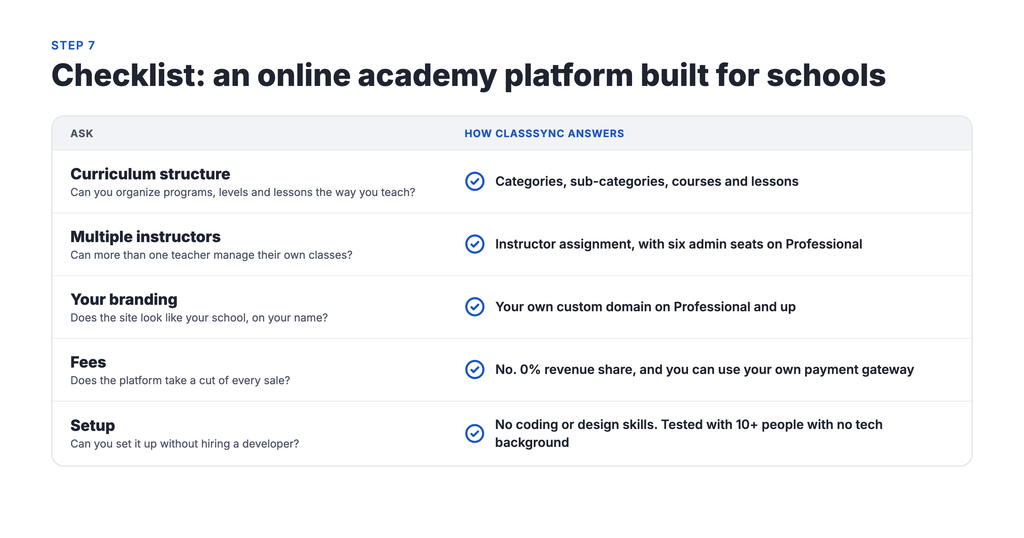
Many course platforms are designed for one creator selling one course. For an academy, check for these:
- Curriculum structure: can you organize programs, levels and lessons the way you teach?
- Multiple instructors: can more than one teacher manage their own classes?
- Your branding: does the site look like your school, on your name?
- Fees: does the platform take a cut of every sale on top of the monthly price?
- Setup: can you or your staff set it up without hiring a developer?
We built ClassSync around this list. It organizes content by category, sub-category and course, so your online academy mirrors your real one. It takes no revenue share. And we tested setup with more than 10 people who had no tech background before we called it ready.
8. Write one sentence that says who it’s for
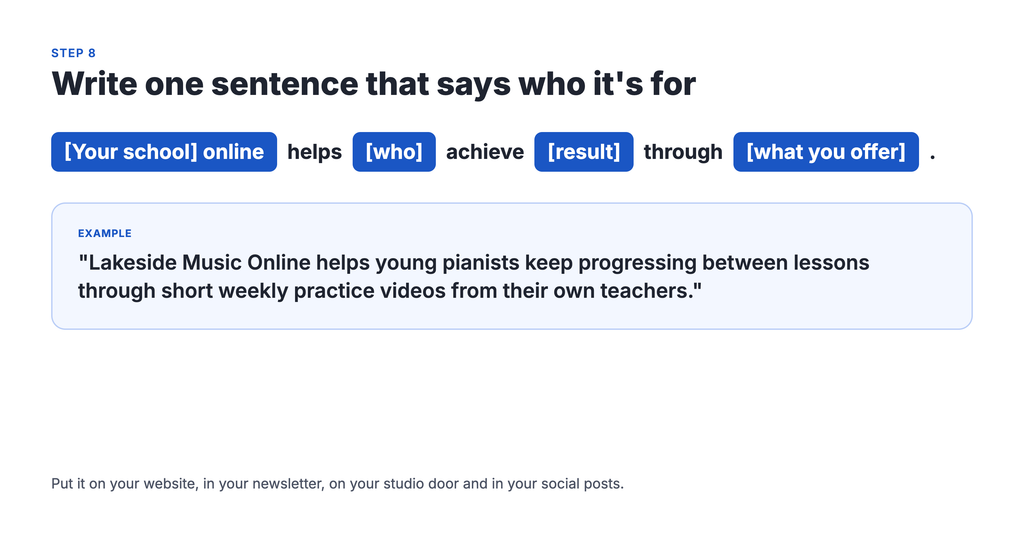
You don’t need fancy marketing. You need one clear sentence you can repeat everywhere. Try this formula:
[Your school] online helps [who] achieve [result] through [what you offer].
For example: “Lakeside Music Online helps young pianists keep progressing between lessons through short weekly practice videos from their own teachers.” Put it on your website, in your newsletter, on your studio door and in your social posts.
9. Make the first week easy for new students
The first few days decide whether a family sticks with it. Set up:
- A short welcome video from you.
- A “Start here” lesson that shows how to find everything.
- A welcome email that points to the right first lesson for their level.
If a parent can’t figure out where to click in the first five minutes, they won’t come back.
10. Soft-launch, then open enrollment
Start with the families on your early-access list. Give them a founding-member discount in exchange for honest feedback. Ask what’s confusing, what they actually watch, and whether the price feels fair. Fix what you learn.
Then launch to everyone. Share a preview lesson, offer a limited-time early discount, and announce it in class. After launch, keep talking to your students. Their stories become your best marketing.
Frequently asked questions
What’s the difference between an online course and an online academy?
An online course is one program with a start and a finish. An online academy is a whole school online: several programs, levels that build on each other, and often more than one teacher. If you already run a school, you need an academy, not a single course.
How many videos do I need before I launch?
Fewer than you think. A few strong lessons per program is enough to start, as long as students know when new lessons are coming. An easy way to grow the library is to record live classes you already teach.
Should online lessons cost the same as in-person lessons?
Not necessarily. Price on the value you provide. Two setups to consider: online access as a paid add-on for enrolled students, and a separate plan for students who learn only online. Your survey results will show what your families expect.
Can I offer online lessons only to my current students?
Yes. Starting with current students is the easiest way to test your online program. You can open it to new students later, once you’ve worked out what they use most.
Do I need technical skills to set up an online academy?
You shouldn’t. Look for a platform you or your staff can set up without a developer. If a platform needs outside help just to organize your programs, keep looking.
Start with one program
Taking your school online can feel like a big project. It doesn’t have to be. Pick one program, record a few lessons, invite a handful of families, and learn from them. Everything else can grow from there.
Want to see what a finished online academy looks like? Browse our demo schools: Ryman Arts and Ivy Mathematics. When you’re ready, book a walkthrough with our team.